Most jams can be cleared by removing the stuck product and restarting your machine from your Mothership dashboard.
Overview
Inside your machine, a lift called the elevator collects each product and carries it to the collection point. If a product becomes stuck, or the elevator cannot move, the machine stops dispensing.
Symptoms
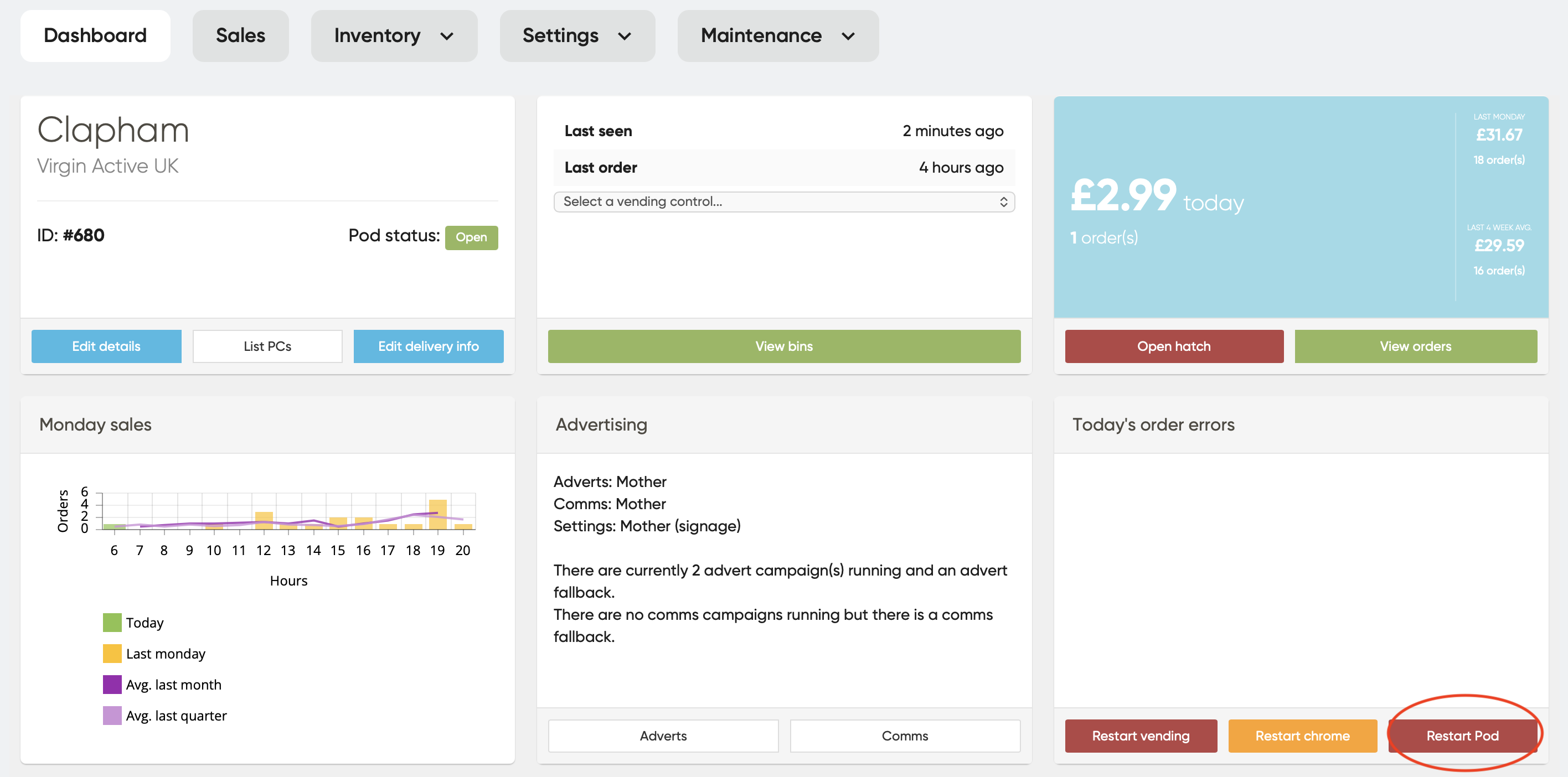
- A vending error appears for your machine under Today's order errors on your Mothership dashboard.
- Customers tell you their product did not come out.
- The machine shakes or vibrates when it tries to dispense.
Before you begin
- You will need your machine keys and access to your Mothership dashboard.
- Have your phone ready to take a photo.
Step-by-step instructions
- Open the machine door and look at the elevator area. Can you see a product stuck in or around it? If not, go to step 5.
- Take a photo of the stuck product, then remove it. If it will not come free easily, do not force it. Stop and contact support.
- Close the door, keeping your hands clear, and listen. You should hear the elevator moving. If you hear nothing, stop and contact support.
- If you can hear the elevator, press Restart Pod on your Mothership dashboard and wait for the machine to restart fully. Then go to step 6.
5. If nothing is stuck, place an order and watch the machine as it tries to dispense. If it moves, shakes or vibrates in an unusual way, stop and contact support.
6. Place an order to check the machine dispenses. This needs to be a real purchase, as there is no free test option.
Expected results
Your order drops into the collection point and the vending error no longer appears. If the machine now works but nothing was stuck, the fault may come and go, so please still let us know.
When to contact support
Please raise a ticket through our helpdesk if:
- The stuck product will not come free.
- You cannot hear the elevator moving after closing the door.
- The machine shakes or vibrates when it tries to dispense.
- Your order still does not dispense.
To help us resolve it quickly, please include your machine name and location, your photo, which product was stuck, whether you heard the elevator, whether the machine was shaking, and whether your order dispensed.
Was this article helpful?
That’s Great!
Thank you for your feedback
Sorry! We couldn't be helpful
Thank you for your feedback
Feedback sent
We appreciate your effort and will try to fix the article